Internet Security: Habits That Hold Up
Most breaches are not sophisticated. They start with a reused password, an unpatched router or a recovery email nobody checks. This section covers the changes that remove those easy paths. Every guide below is tested and edited by our team, with context, practical detail and primary sources you can follow.

Passkeys Are Finally Practical: A Migration Plan for Normal People
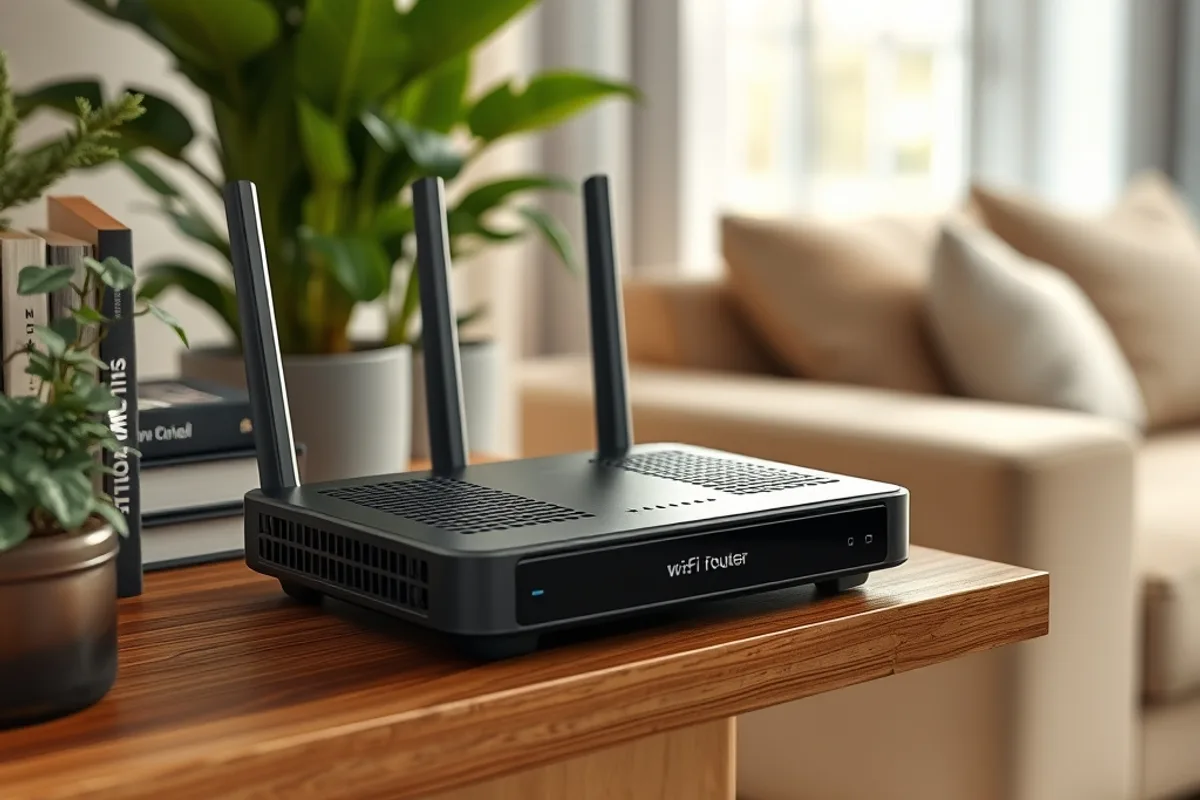
Router Security at Home: The Settings Most People Never Change
How we report on internet security
Each internet security guide follows the same routine: a clear question, direct testing or first-hand use, and a check of every factual claim against a primary source. We name the tools and versions we tested, link the references we used and correct errors in public when we find them.
How to get the most from internet security
Start with the decision you are actually facing, whether that is which tool to use, how a page behaves on a slow phone or how a campaign is measured. Our guides are written to be useful before and after a purchase, and the two below cover different sides of the same subject. Read both Passkeys Are Finally Practical and Router Security at Home for the full picture.
When this subject matters most
Security work is cheapest before something breaks. Change default router credentials on the day it is installed, turn on automatic updates and store recovery codes somewhere offline. Major breaches often become public weeks after the fact, so watch for forced password resets rather than waiting for a news story. Review account access twice a year, remove old devices and confirm that the recovery email is one you still control. Background: the basics of computer security.
What our editors found in 2026
Passkeys Are Finally Practical: Passkeys have been promised for years. In 2026 they are finally common enough to use without a technical hobby. Banks, email providers and major shops support them, and the experience on a phone is often faster than typing a password. The barrier now is not technology. It is the migration: deciding where to start, what to keep and how to recover when a device is lost.
Router Security at Home: The router sits in a cupboard for years, quietly connecting everything in the house. It is also a small computer with an administrator login, a web interface and firmware that may not have been updated since installation. Most home networks are not broken into by advanced attacks. They are entered through a default password, an outdated firmware or a remote feature nobody remembers enabling.
Security advice fails when it is too complicated to follow. A unique password for every account is good advice until you have sixty accounts, which is why a password manager and passkeys matter more than willpower. The goal is not perfect protection; it is removing the easy mistakes that attackers rely on, one habit at a time.
Accounts are usually compromised through recovery paths rather than brute force. An old phone number, a forgotten backup email or a weak security question can undo a strong password. Audit the recovery details on your main accounts, turn on two-factor authentication and keep a printed copy of recovery codes somewhere safe and offline.
Small businesses face the same problems at a larger scale. Shared logins, unused admin accounts and devices that never receive updates create quiet risk. Assign one person to review access each quarter, remove accounts for people who have left and document who can change billing or DNS. These are boring tasks, and they prevent the incidents that make headlines.
Common questions about internet security
What is a passkey and should I use one? A passkey replaces a password with a cryptographic key stored on your device. It resists phishing and is easier to use, but keep a recovery method and a backup device.
How often should I change my router password? Change the default immediately, then only when you suspect exposure or someone who knew it leaves. A long unique password and updated firmware matter more than monthly changes.
Is public Wi-Fi safe without a VPN? Treat it as untrusted. Use HTTPS sites, avoid sensitive logins on networks you do not control and keep your device updated. A VPN helps, but it is not a substitute for basic hygiene.