Passkeys Are Finally Practical: A Migration Plan for Normal People

Passkeys have been promised for years. In 2026 they are finally common enough to use without a technical hobby. Banks, email providers and major shops support them, and the experience on a phone is often faster than typing a password. The barrier now is not technology. It is the migration: deciding where to start, what to keep and how to recover when a device is lost.
What a passkey replaces
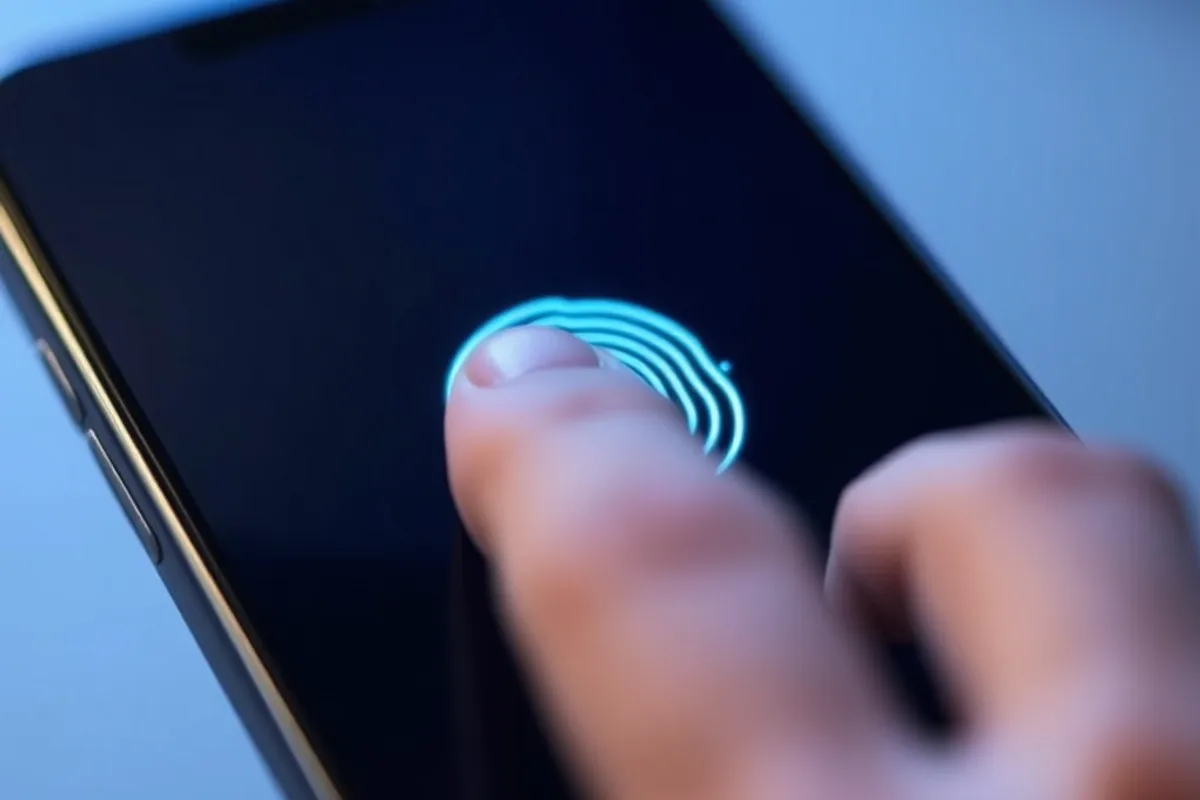
A passkey replaces the password you type with a cryptographic key created by your device. The private part stays on the device, protected by its lock screen or biometrics. The service stores only a public key. When you sign in, the device proves it holds the private key without sending a secret over the network.
That changes the attack surface. There is no password to guess, reuse or read from a breach database. There is also no code to read aloud to someone who called claiming to be support. The key is bound to the website it was created for, so a convincing copy of a login page cannot collect it.
Why phishing-resistant matters
Most account takeovers still start with a person doing something reasonable: reusing a password, approving a push notification or entering a one-time code on a page that looked correct. Passkeys remove the first and weaken the second, because the device checks the real domain before signing in. That check is automatic, not a skill you have to learn.
The improvement is largest for accounts that protect other accounts: email, banking, cloud storage and your password manager. If an attacker takes over your email, they can reset almost everything else. Start there rather than with a shopping site you use twice a year.
Related reading: securing the router at home. For the wider picture, see Router Security at Home.

Preparing your accounts and devices
Before switching, update your phone, computer and browser. Make sure the device has a screen lock and that you know the recovery method. Check that your password manager supports passkeys and that you can access it from more than one device. A passkey stored in only one place is a single point of failure.
Review the recovery email and phone number on your most important accounts. If the number is old or the email is one you rarely check, fix that first. Recovery is the part attackers target, and it is the part most migration guides skip. A strong sign-in method with a weak recovery path is not strong.
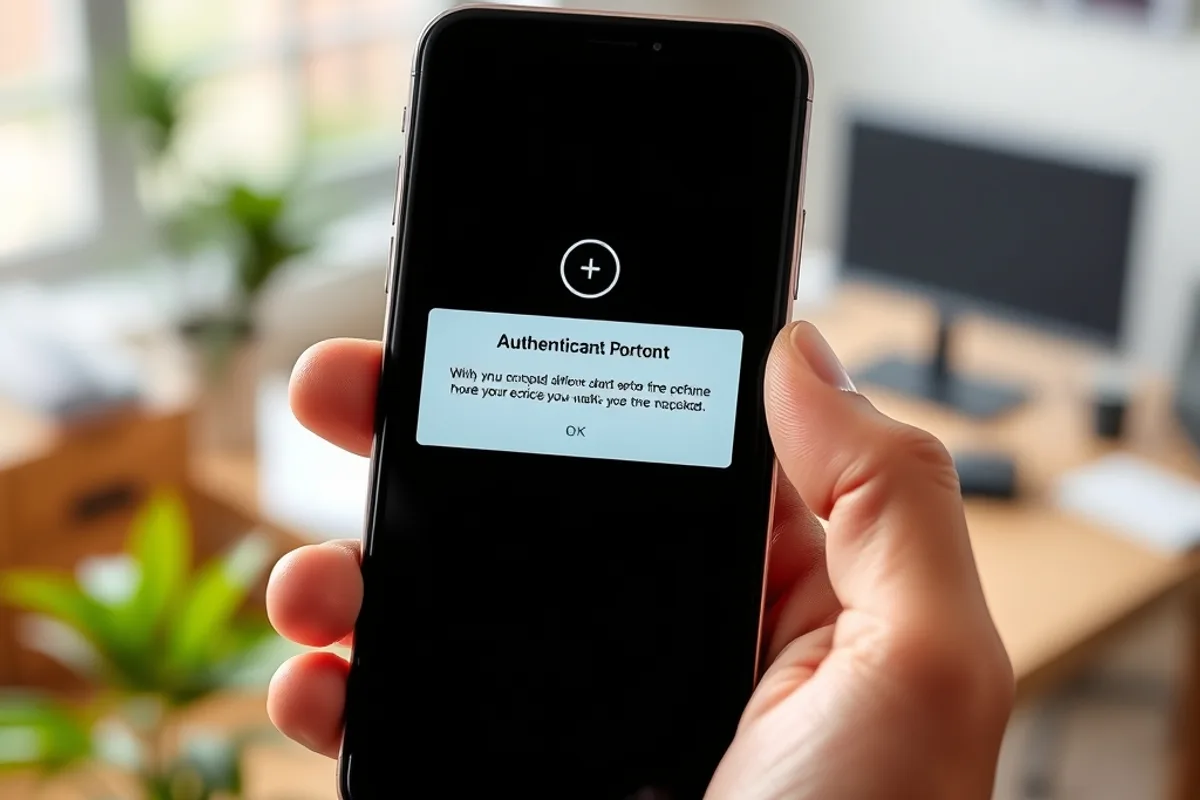
A passkey removes the password from the login. It does not remove the need for a recovery plan.
The migration order that works
Start with email, then the password manager, then banking and cloud storage. Add a passkey alongside the existing password where the service allows it, and test the sign-in from a second device before removing anything. Keep the password for a week or two, then disable it only when you are confident the passkey works reliably.
Do not migrate everything on the same day. A partial migration is safer because you can still get in if something goes wrong. Keep a written list, stored offline, of which accounts use passkeys and where the backup device is. The list should not contain secrets; it is a map, not a key.
Also see our guide to turning first-party data into respectful marketing for a deeper comparison.

Recovery plans and the backup device
Passkeys sync through platform keychains, which is convenient and usually secure, but it is not a backup you control. Add a second device to the same keychain where possible, and keep printed recovery codes in a safe place. If your provider supports a hardware security key, consider one for your primary email account.
Test the recovery process before you need it. Remove a device from the account and add it again, or use a backup code on a secondary device. A recovery plan that has never been tested is a hope, not a plan. Do this on a calm afternoon, not during a crisis.
Background: how multi-factor authentication works.
Shared and legacy accounts
Shared accounts are the hardest case. A family streaming account or a small business inbox may need several people to sign in, and a passkey tied to one person is a poor fit. Use separate accounts with delegated access where the service offers it. If it does not, keep a strong unique password in a shared password manager and turn on two-factor authentication.
Legacy accounts need a decision rather than an indefinite password. If you no longer use a service, delete the account and the data. If you need it for records, export what matters and close it. An abandoned account with an old password is a liability that grows quietly in the background.
Common mistakes after switching
The most common mistake is assuming a passkey makes the account invulnerable. Session hijacking, malicious extensions and a compromised device can still cause damage. Keep the operating system updated, install extensions sparingly and sign out of shared computers. A passkey protects the sign-in, not everything that happens afterwards.
The second mistake is losing the backup. People switch on a new phone, trade in the old one and discover the passkey did not transfer. Keep the old device until the new one is confirmed, check that the keychain is syncing and store recovery codes offline. A few minutes of preparation prevents a very long week.
- Passkeys use a private key stored on the device and a public key held by the service.
- They are bound to the real domain, which makes phishing far less effective.
- Migrate email, password manager, banking and cloud storage first.
- Test recovery and a second device before removing the old password.
- Shared accounts work better with separate users and delegated access.

Router Security at Home: The Settings Most People Never Change