Laptops for Creators: Choosing the Right Screen Over the Spec Sheet

Creator laptops are usually sold on processor names and benchmark bars. That is backwards for most buyers. If you edit photographs, design layouts or cut video, you will spend the day looking at the screen. A fast machine with a poor panel produces work that looks wrong everywhere else. The display, the ports and the ability to sustain performance matter more than the peak score.
The screen is the tool you stare at
You will notice a bad screen before you notice a slow processor. Low brightness makes outdoor work difficult, poor uniformity turns a white background into a gradient and coarse resolution makes text tiring. A good creator laptop starts with a panel that is comfortable for long sessions, not one that looks impressive for five minutes in a shop.
Size is a practical choice. A 14-inch machine is easier to carry; a 16-inch screen gives more room for timelines and palettes. The difference matters more than most specifications because it changes how you work every day. Try the keyboard and trackpad as well, especially if you type for hours.
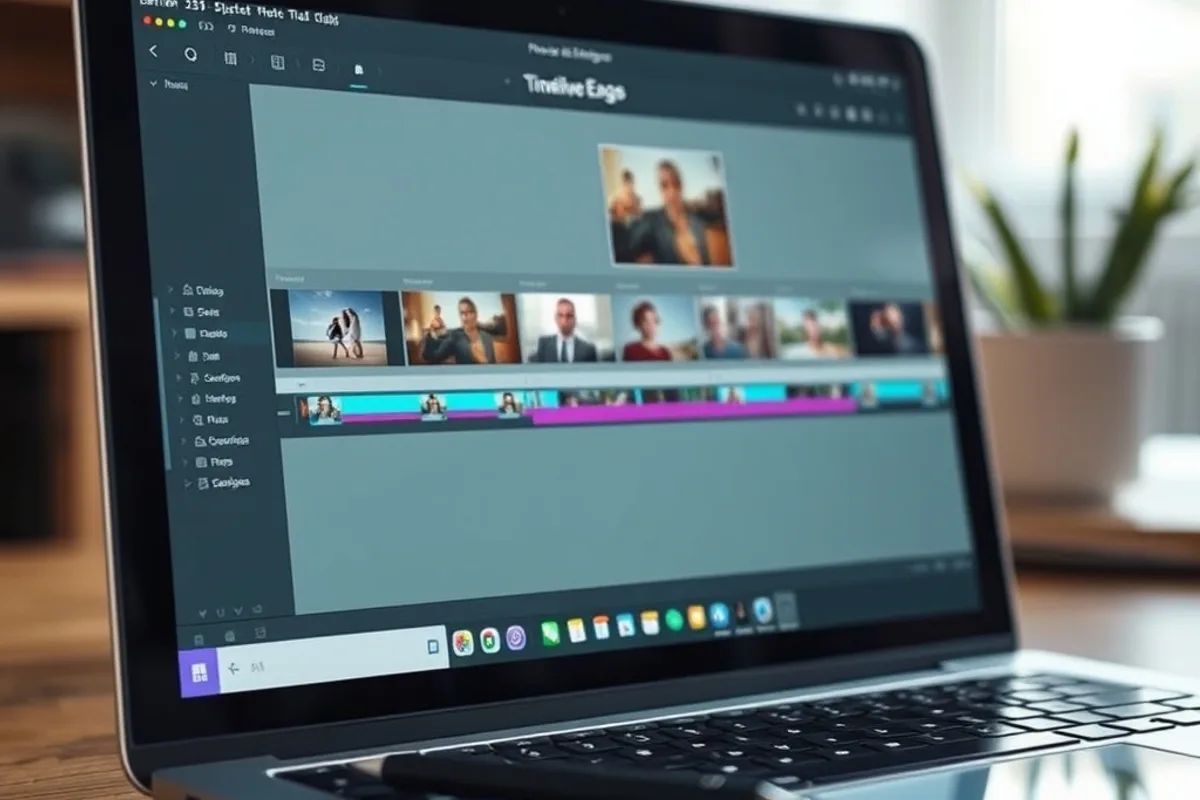
Colour coverage versus colour accuracy
Colour coverage describes how much of a colour space a screen can display. Accuracy describes how close the displayed colour is to the intended value. A screen can cover 100 percent of sRGB and still render a specific red incorrectly. For web and most client work, sRGB accuracy is the baseline. For print, wider gamut coverage helps, but only if the workflow is calibrated.
Look for a review that measures delta-E, gamma and white point, not just coverage. If you work professionally, budget for a calibrator or choose a model with a reliable factory calibration report. A beautiful screen that is consistently wrong is more dangerous than a modest screen you know how to correct.
Related reading: where the money goes in a budget Android phone. For the wider picture, see Budget Android Phones in 2026.

Resolution, scaling and fatigue
Higher resolution gives sharper text and more workspace, but it also demands more from the GPU and the battery. On a 14-inch screen, a good 2K panel is often a better balance than a 4K panel that drains power and forces aggressive scaling. The goal is comfortable text and enough room for your tools, not the largest number available.
Check how the operating system scales at the resolution you plan to use. Some applications still look blurry or tiny on high-density displays. If you rely on older software, test it before buying. A laptop that makes your main tool hard to read is not a productivity upgrade, however good the benchmark.
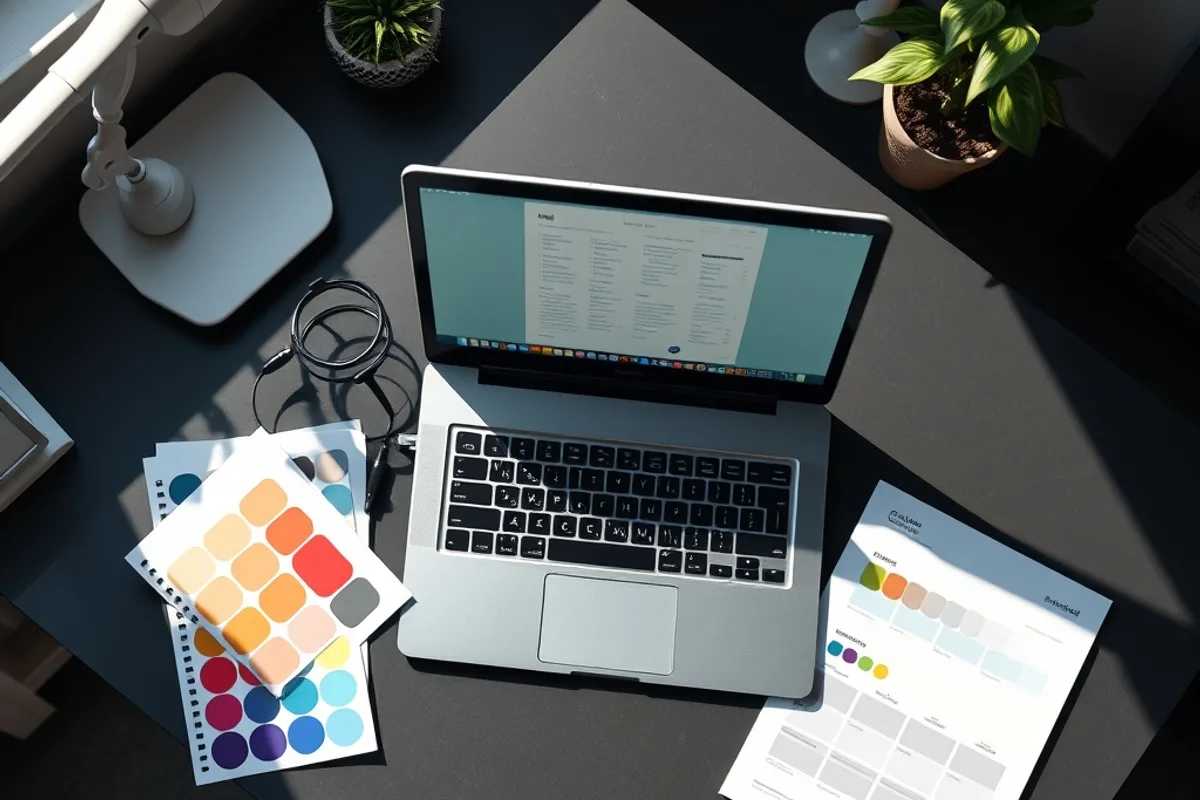
The processor decides how fast a file exports. The screen decides whether the result is right.
Ports and the dongle tax
Thin laptops save space by removing ports. That is fine until you need to connect a camera card, an external display and a charger at the same time. Count the ports you use in a normal week, then add one for the future. A hub solves the problem, but it is another item to carry, power and lose.
Consider where the ports are placed as well as how many there are. A cable plugged into the right side can block a mouse hand; a display output on the wrong side can make a desk awkward. These details rarely appear in a specification table and matter every single day.
Also see our guide to treating Core Web Vitals as a design brief for a deeper comparison.
Sustained performance, not peak benchmarks
A benchmark measures a short burst. Real work lasts longer: exporting a video, applying a filter to a large photograph, running a build while a browser is open. In a thin chassis, the processor may throttle after a few minutes to keep temperatures under control. The result is a laptop that feels fast in a review and slow in a deadline.
Look for tests that measure sustained performance, fan noise and surface temperature. If you regularly render or compile, a slightly thicker machine with better cooling is often faster in practice than a thinner one with a higher peak score. A quiet fan under load is also worth paying for if you work near other people.
Background: how display colour spaces work.
Battery, heat and fan noise
Creator workloads drain a battery quickly, so treat the quoted figure as an upper limit for light browsing. If you need to edit away from a socket, check real battery tests for your kind of application. Fast charging helps, but it adds weight to the bag and may be limited to certain ports.
Heat is the hidden cost of performance. A laptop that runs warm on your lap or loud in a meeting is harder to live with, even if the numbers are good. Read reviews that describe fan behaviour after twenty minutes of load, not only at idle. Comfort is part of the specification.
Matching the laptop to the work
For writing, research and light design, a reliable screen, good keyboard and long battery matter more than a discrete GPU. For photo editing, prioritise colour accuracy and enough memory to keep large files open. For video, focus on sustained performance, fast storage and a display that can show your footage without scaling problems.
Set a budget for the whole setup: laptop, calibration, storage and any adapters. A slightly less powerful machine with a better screen and more memory will usually outlast a faster one that forces you to work around its limits. Buy for the work you do most weeks, not for the most demanding task you might attempt once a year.
- Display quality affects daily work more than a small difference in benchmark scores.
- sRGB accuracy is the baseline for web and client work; wider gamut helps print.
- Check real battery life under creator workloads rather than the quoted figure.
- Sustained performance and fan noise matter more than short benchmark bursts.
- Buy enough memory and storage at purchase because both are often soldered.